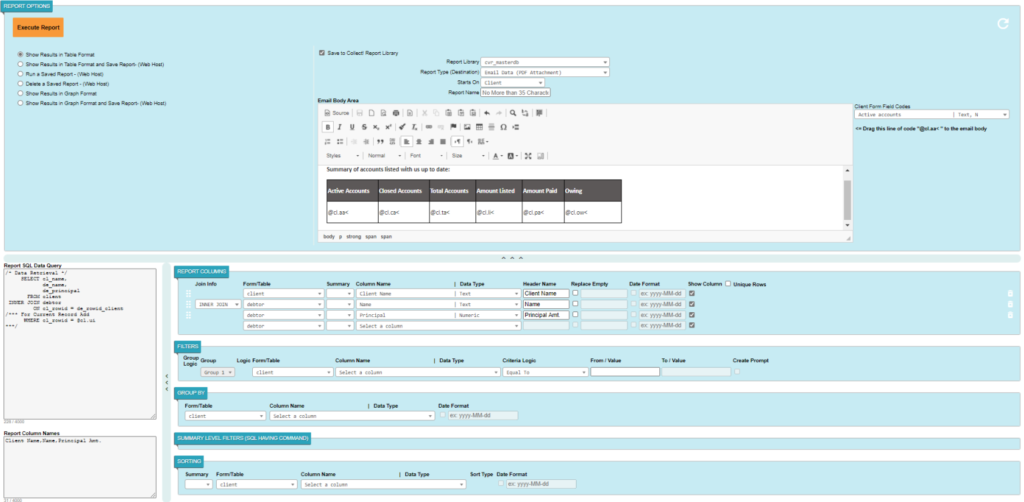
Collect’s new Query & Report Generator will be a game changer for anyone currently writing reports using Collect!’s proprietary Report Writer tool. This tool can save you time and money on custom reports, without using SQL or the Collect! Report Writer code.
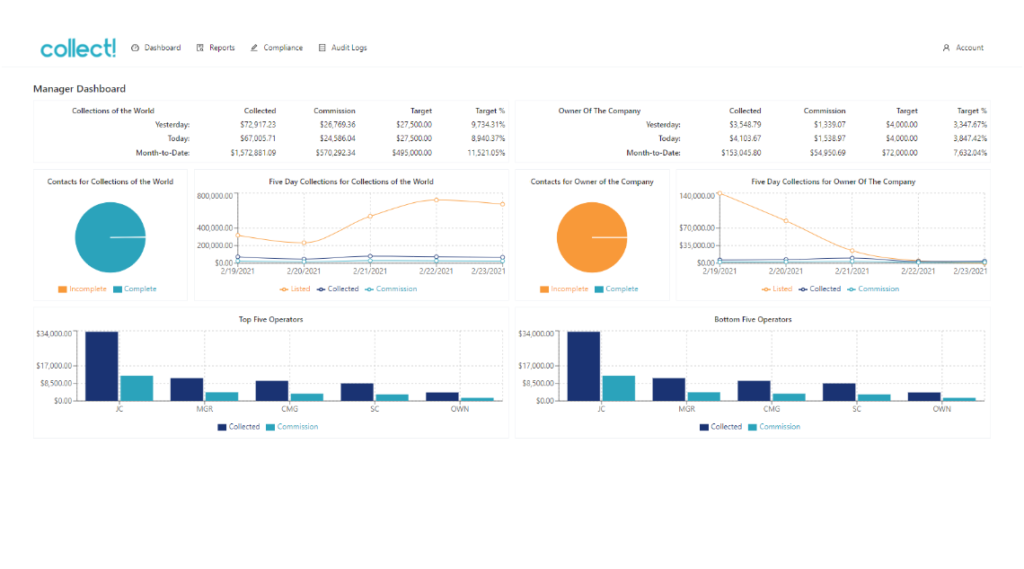
As the name indicates, you can generate SQL queries on the fly using a very user-friendly layout. The Query & Report Generator can output resulting data in a range of table or graph formats. You can save your queries in your Report Library for repeated use.
Query & Report Generator Version 1 is available in Web Host Version 11.3.3 in the Member Center.
Please click the link below for a demonstration video webinar.
https://my.jive.com/shared/recording/be1e5caf76d9ccaa6a6b21a871444768d4fed2b31b588df8a117bc3ee80a7965
Here is the introductory information on the tool from the demo:
- What is this tool?
This tool is a Collect! web page that runs on Collect!’s Web Host. For those who are not familiar with it,
Collect!’s webhost is used for remote access and client access. The Query and Report Generator
tool runs on Collect!’s Web Host and generates SQL statements and Collect report codes to
output data according to the user’s requests. - Why is this tool useful?
This tool is useful because it provides a user-friendly environment that requires no programming or
coding knowledge for creating reports. Reports can be generated in a few simple steps.
Also, this tool can present data in table and graph formats and the data can be saved in
several report types. - How can you get access to this tool and is there an extra charge?
First, there is no extra charge for the use of the Query and Report Generator tool. It is part of
Collect!’s functionality. But, you must install Collect!’s Web Host in order to use this tool.
There are a few options there:
- If you do not have Web Host installed, you can just follow the instructions from Collect! Help.
The current Web Host includes the Query tool. - If you already have webhost installed, and have not customized it, then you can just
download the latest version that includes the Query tool. - However, if you have made customizations to your Web Host, you will not want to lose them.
In that case please open a support ticket and say that you want the Query tool installed
in your existing Web Host. That ticket will be escalated to Zherou. Zherou will install
the Query tool right on your webhost and provide an orientation. This will be about
30 minutes of billable time. - Once you have Web Host and the Query tool installed you can also open a support ticket
anytime for an orientation or assistance using the Query tool. - Here is a link to the Help page on installing Web Host: https://staging.collect.org/cv12/Help/howtosetupwebhost.html